


Daddy's Dots: A Braille Story
Play Daddy's Dots: A Braille Story by @MsBlazeWolfLeleTaylo, a free puzzle & strategy game made on Mable. Play instantly in your browser.
Made by
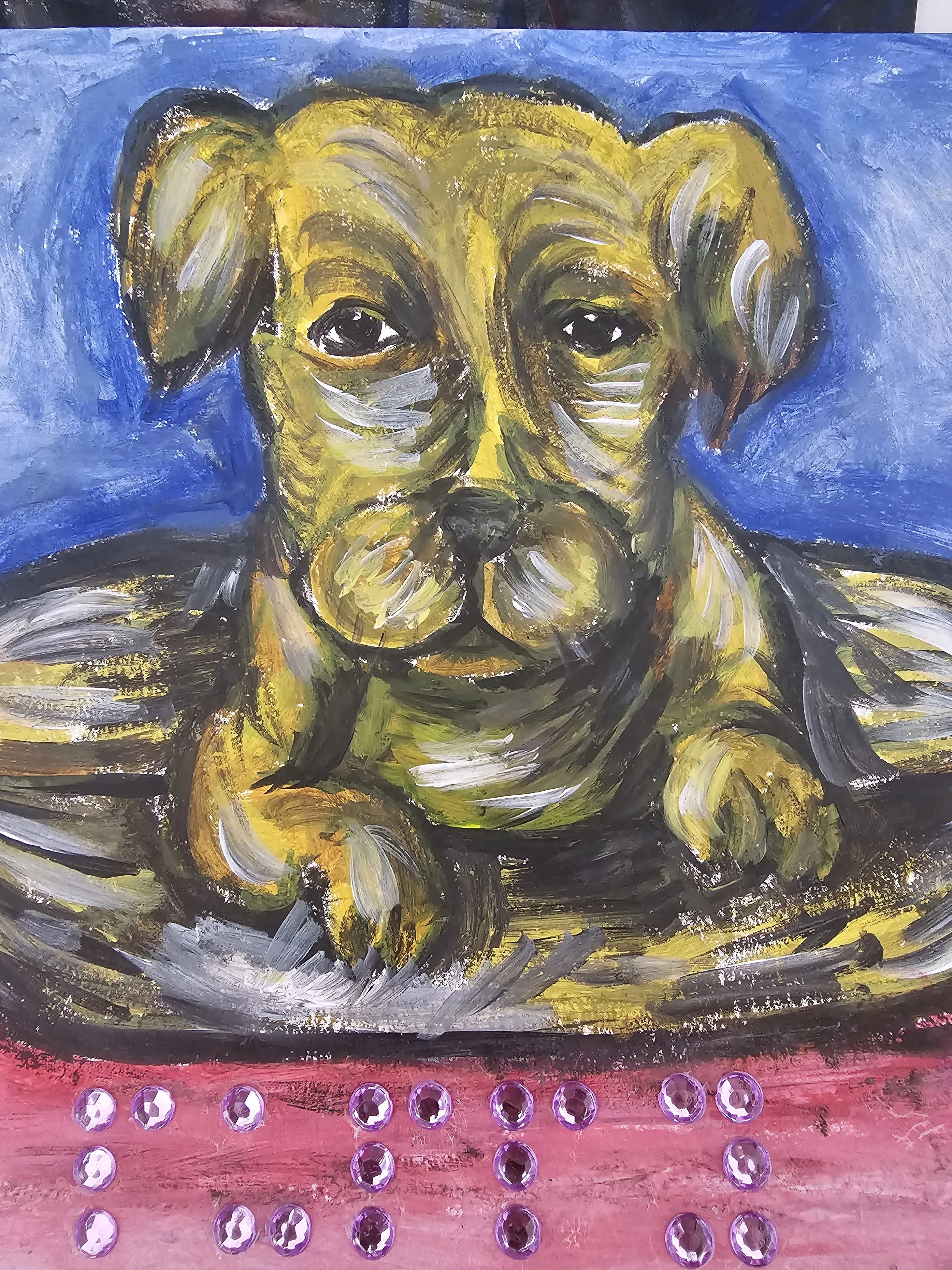
About Daddy's Dots: A Braille Story
Tap the correct patterns on a six-dot cell to help Calean learn how to read Braille in this short interactive story.
How to play
- Read the dialogue between Calean and Emma to see the requested letter.
- Tap the numbered dots on the six-dot board to raise them.
- Form the correct Braille pattern for the requested letter.
- Wait for the board to highlight gold when the pattern is correct.
- Press the continue button that appears after a half-second delay to advance the story.
Controls
- Touch
- Tap the dots to raise or lower them.
- Keyboard
- Use the Tab key to select a dot and press Enter to toggle it.
- Mouse
- Click the dots to raise or lower them.
More about this game
Follow a short interactive story about a boy named Calean learning to read Braille with Auntie Emma. Your goal is to form specific letters on a six-dot cell to spell out a word. The game asks you to make a letter, and you must toggle the correct dots to match the Braille pattern. The board features dots numbered 1 through 6. You will spell out a three-letter word, starting with D, over three short chapters. The run ends when you successfully complete the final letter and finish the story with Jack.
Tips
- If you are unsure which dots to press, wait exactly 2.5 seconds for a pulsing hint to appear on the correct dot.
- The letter D requires dots 1, 4, and 5 to be raised, while the letter A only needs dot 1.
- You can tap a raised dot again to lower it if you make a mistake, and the hint timer will reset.
FAQ
- How many letters do I need to make?
- You need to complete three letters to finish the story. You will spell the word D-A-D.
- What happens if I press the wrong dot?
- Nothing negative happens. You can simply press the dot again to turn it off and try the correct pattern. The game waits until only the correct dots are raised.
- Can I replay the story?
- Yes, once you finish the third chapter, a replay button appears so you can read the story and practice the letters again. You can also use the restart button in the top right corner at any time.


