Emma's Tactile Art Jam
Play Emma's Tactile Art Jam by @MsBlazeWolfLeleTaylo, a free create my own game made on Mable. Play instantly in your browser.
Made by
About Emma's Tactile Art Jam
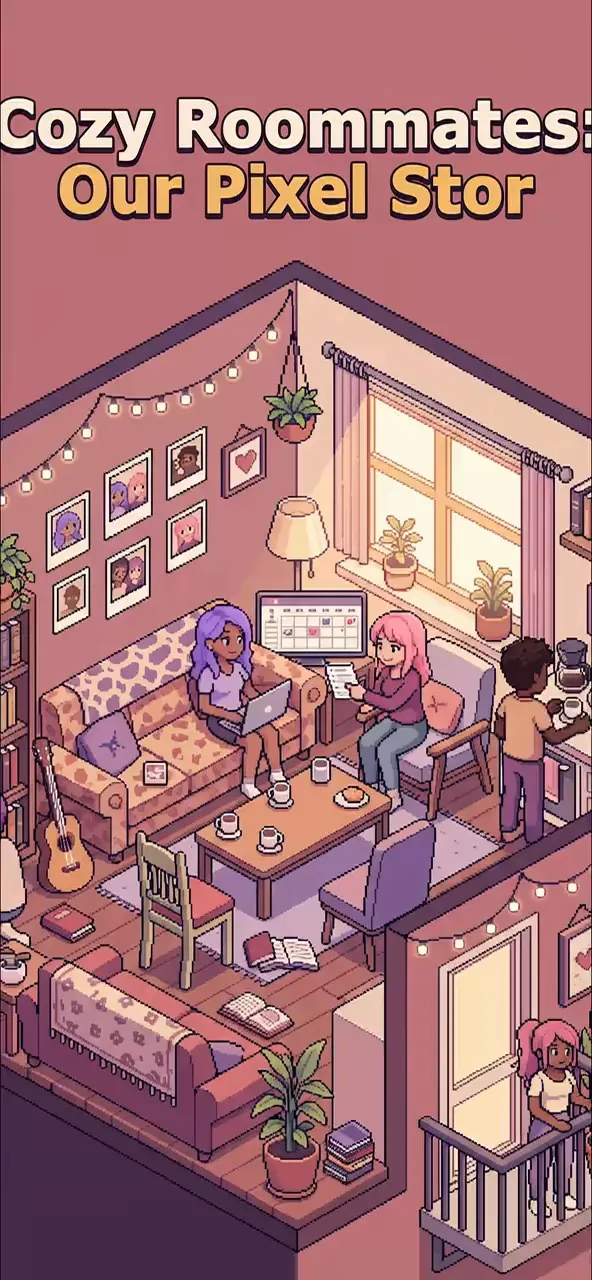
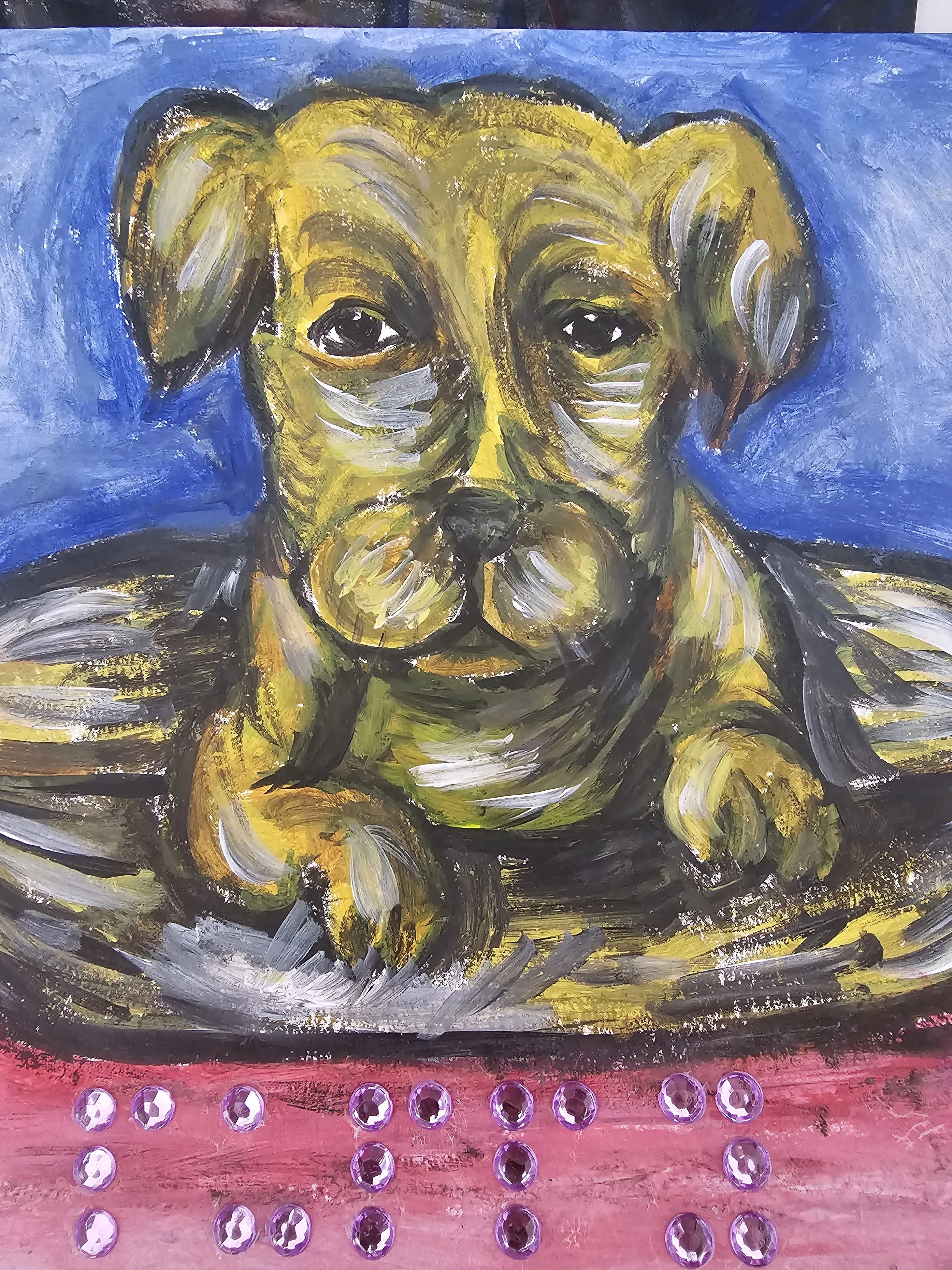
Paint textured pictures using bumpy, smooth, and braille brushes, and strum a five-string guitar in a cozy living room with Emma and Jack.
How to play
- Select a brush style like Bumpy, Smooth, or Braille from the tools menu.
- Drag across the paper area to paint textured strokes with your chosen brush.
- Swipe across the five guitar strings at the bottom to play musical notes.
- Toggle Feel Mode to see expanding ripples every time you paint a mark.
- Press the Restart page button to clear the canvas and start a fresh painting.
Controls
- Touch
- Tap or drag to paint on the paper and strum the five guitar strings.
- Keyboard
- Not supported.
- Mouse
- Click and drag to paint on the paper or strum the five guitar strings.
More about this game
Emma's Tactile Art Jam is a creative sandbox where you paint textured art and play music. You draw on a digital canvas using bumpy, smooth, or braille brushes, and pluck a five-string guitar located below the paper. As you create, characters react to your strokes and notes with dialogue. Every eighth mark you paint triggers a new conversation line. Turning on Feel Mode adds visual ripples to your strokes. There are no goals or timers; you simply experiment with sights and sounds until you decide to clear the page.
Tips
- Try mixing different brush types; the bumpy dots use a spacing of 30 pixels by default, creating distinct visual patterns compared to smooth streaks.
- Strumming the guitar strings quickly can trigger reactions from Misty the dog, who has a 16 percent chance to respond to your notes.
- Turn on Feel Mode to add expanding ripples to your brush strokes; the ripples grow by 8 pixels per frame, making the art feel alive.
FAQ
- How do I change the brush?
- Tap the buttons labeled Bumpy, Smooth, or Braille below the dialogue box to switch your brush style. Each brush creates a unique texture on the canvas.
- What does Feel Mode do?
- Activating Feel Mode creates expanding visual ripples every time you paint on the canvas. It also changes the canvas text to indicate that textures are awake.
- How do I make the dog react?
- Misty the dog reacts randomly when you play the guitar strings. She has a chance to either bark or thump her tail, adding to the cozy atmosphere of the room.