Lisa's Goggle Challenge
Play Lisa's Goggle Challenge by @MsBlazeWolfLeleTaylo, a free tycoon & simulation game made on Mable. Play instantly in your browser.
Made by
Share
0
0
0
About Lisa's Goggle Challenge
Complete three simple tasks while wearing goggles that drastically alter your vision.
How to play
- Select a glowing pair of goggles to start a task.
- For cataracts, drag the blurry sketches to the matching folder.
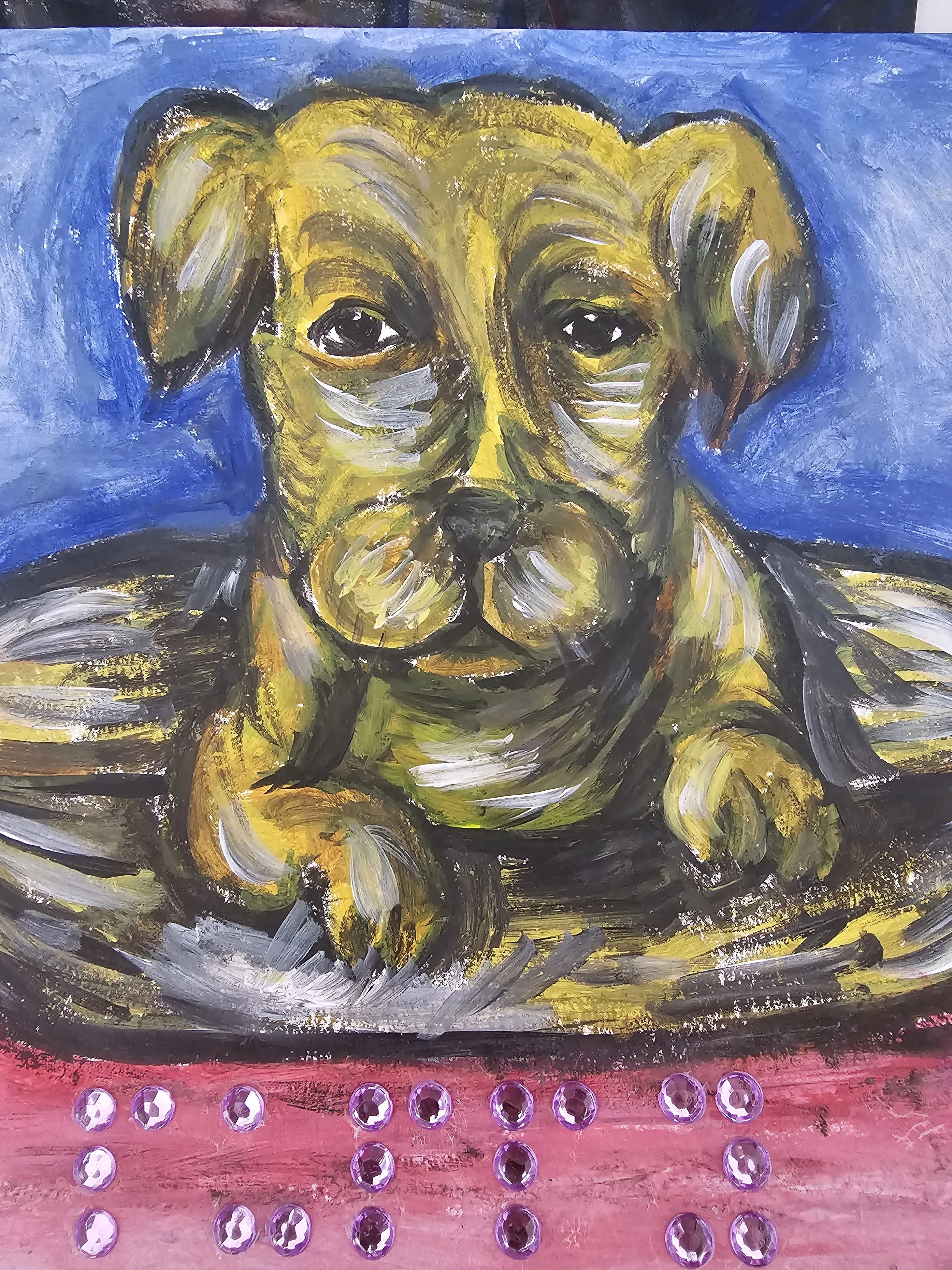
- For tunnel vision, move your pointer to reveal the dog and tap it.
- For beer goggles, drag the wobbly treats into the red bowl.
- Complete all three tasks to finish the circuit.
Controls
- Touch
- Tap or drag to interact with objects on screen.
- Keyboard
- Press Space or Enter to simulate a tap in the lower area.
- Mouse
- Click or drag to interact with objects on screen.
More about this game
Lisa's Goggle Challenge is a short minigame circuit where you must complete three tasks under heavy visual distortion. You will sort sketches through a cataract blur, find and pet a dog using only a small circle of tunnel vision, and drag treats into a bowl while the screen warps like beer goggles. The touch areas remain in their true positions even when the visuals shift. Finish all three stops to earn a virtual t-shirt.
Tips
- During the cataract sort, look for the general shape and color of the sketch to tell flowers from puppies.
- In the tunnel vision task, the dog is located in the lower-middle part of the screen.
- The beer goggles warp the image, but the treats and bowl hitboxes stay in their actual locations.
FAQ
- Why can't I grab the treats?
- The beer goggles warp the visual position of the treats, but their actual hitboxes remain in a neat grid. Try grabbing slightly offset from where they appear.
- How many times do I need to pet the dog?
- By default, you need to pet the dog 3 times to complete the tunnel vision task.
- What happens when I finish?
- Once you complete all three tasks, you are rewarded with a virtual 'Support These Puppies' t-shirt and the option to play again.