Sunny Three's Kiosk Chaos
Play Sunny Three's Kiosk Chaos by @MsBlazeWolfLeleTaylo, a free arcade & casual game made on Mable. Play instantly in your browser.
Made by
About Sunny Three's Kiosk Chaos
Tap the automated kiosk buttons to fill the chaos meter and trigger a dog overload.
How to play
- Tap the START TAPPING button on the main menu to wake the cafe terminal.
- Press any of the five colored request pads on the kiosk screen to log a request.
- Watch the chaos meter at the top of the screen fill by 12 points with every single press.
- View the character reaction panels that pop up at the bottom of the terminal interface.
- Reach the 100-point threshold to trigger the dog overload meltdown, then tap anywhere to reset.
Controls
- Touch
- Tap the kiosk buttons to increase the meter.
- Keyboard
- Not supported.
- Mouse
- Click the kiosk buttons to increase the meter.
More about this game
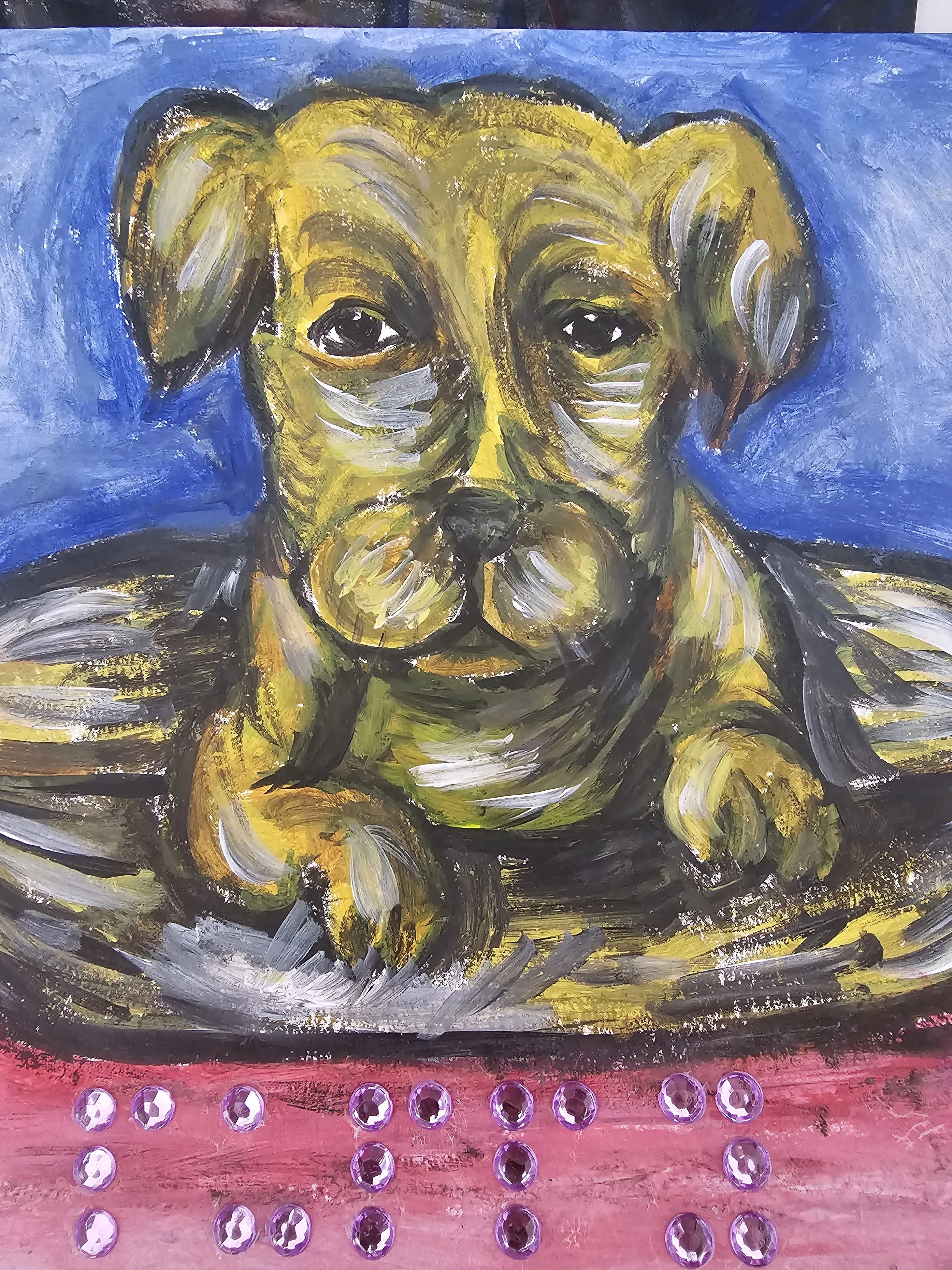
In this game, you play as a dog interacting with an automated assistance terminal. Your goal is to cause system chaos by pressing various request buttons like WANT TREAT, HEWWO I AM DOG, and HUMAN WILL DOOR. Each tap increases the overload meter by 12 points and displays a character reaction panel for 2.8 seconds. You can see up to three recent reactions at the bottom of the screen. The run ends when the meter reaches the 100-point threshold, triggering a complete system meltdown and a dog overload screen where Sunny Three looks proud of the mess.
Tips
- Spam the buttons quickly to fill the 100-point meter before the 2.8-second reaction panels disappear from the bottom of the screen.
- Watch the dog character at the bottom of the interface; it wiggles when you tap a button and looks proud during an overload.
- You only need to tap a button nine times to reach the 100-point threshold, since each tap adds exactly 12 points to the meter.
FAQ
- How much does the meter increase per tap?
- Each button press adds exactly 12 points to the chaos meter at the top of the screen.
- What happens when the meter is full?
- When the meter hits the 100-point threshold, the system enters a dog overload state. The screen will display a system meltdown message, and you must tap anywhere to reset the terminal.
- How long do the character reactions stay on screen?
- The reaction panels for characters like Jack, Lisa, and Mrs Quacks remain visible for exactly 2.8 seconds after you press their corresponding button.