

1. Bring your idea
Start with the genre, what the player does, how they win or lose, the controls, and the look. Studio sets up a first version you can play and react to — no design document, no project setup.

Game maker
Mable is a game studio in your browser. Build a game that plays well on a phone, generate its characters, animation, effects, sound, and music right in the editor, go live in one click with a share link, and see who is playing. No coding and nothing to install.

These are live on Mable right now, made by the people credited on them. Open any one and play it in your browser — no account needed. The full catalogue is on mable.gg.
An idea is where a game starts, not where it ends. The gap between “I have an idea” and “people are playing it” is usually months of art, tuning, and publishing work. Mable puts that whole studio in one place.
Start with the genre, what the player does, how they win or lose, the controls, and the look. Studio sets up a first version you can play and react to — no design document, no project setup.
Generate characters, animated sprites, effects, sound effects, music, and voice lines in the editor. Tune difficulty, controls, and feel — “too easy after level 3,” “the jump feels heavy” — until it plays well on a phone.
Go Live in one click and get a share link that works anywhere. Analytics show who is playing, and comments tell you what players think, so you know what to fix next.
Nothing to install to start. One account, two places.
mable.gg/create is where games get built. It is a web app — no download, no engine to learn, no project setup. You shape the game, generate its art and sound, playtest it, and publish when it is ready. On your phone, the Mable Studio app for iPhone and Android does the same with the same account.
The app is where games get played. Published games go into a feed where people find them, play them, and chase scores — which is the point of making one.
Getting a game to run is the easy part. What makes people play is how it looks and sounds. In Creator Studio you generate these while you build; the same five generators are also at mable.gg/tools, handing back real files with usable metadata — for a Mable game or for any other engine.
Mable is built for mobile games with a loop you understand in one try and want to repeat. Levels, scores, and a reason to come back tomorrow. Every game named below is live on Mable.
One clear input, difficulty that climbs, a score you want to beat. See Cake Stack and Pancake Flight.
Short rounds, visible progress, a board you can leave and come back to. See Mable 2048 and Block Fever.
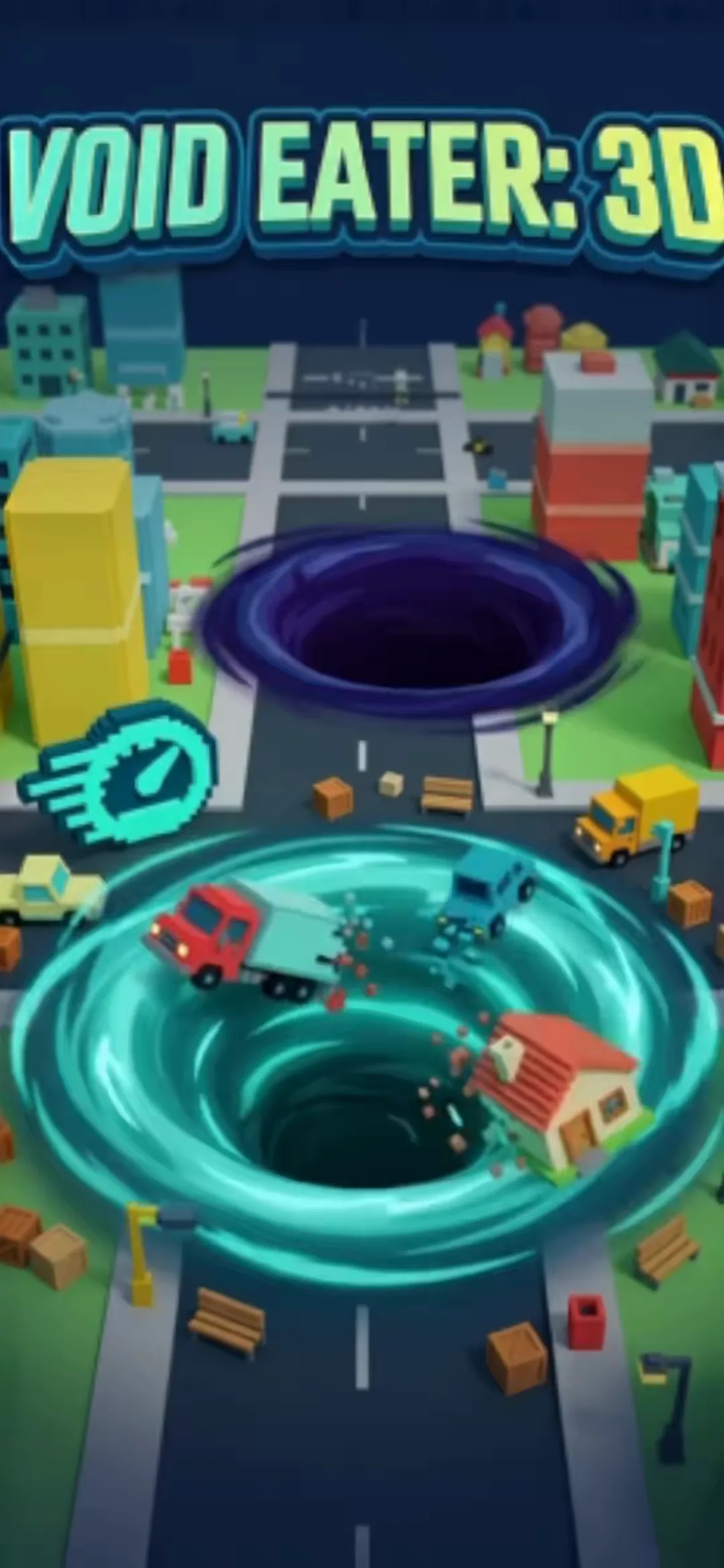
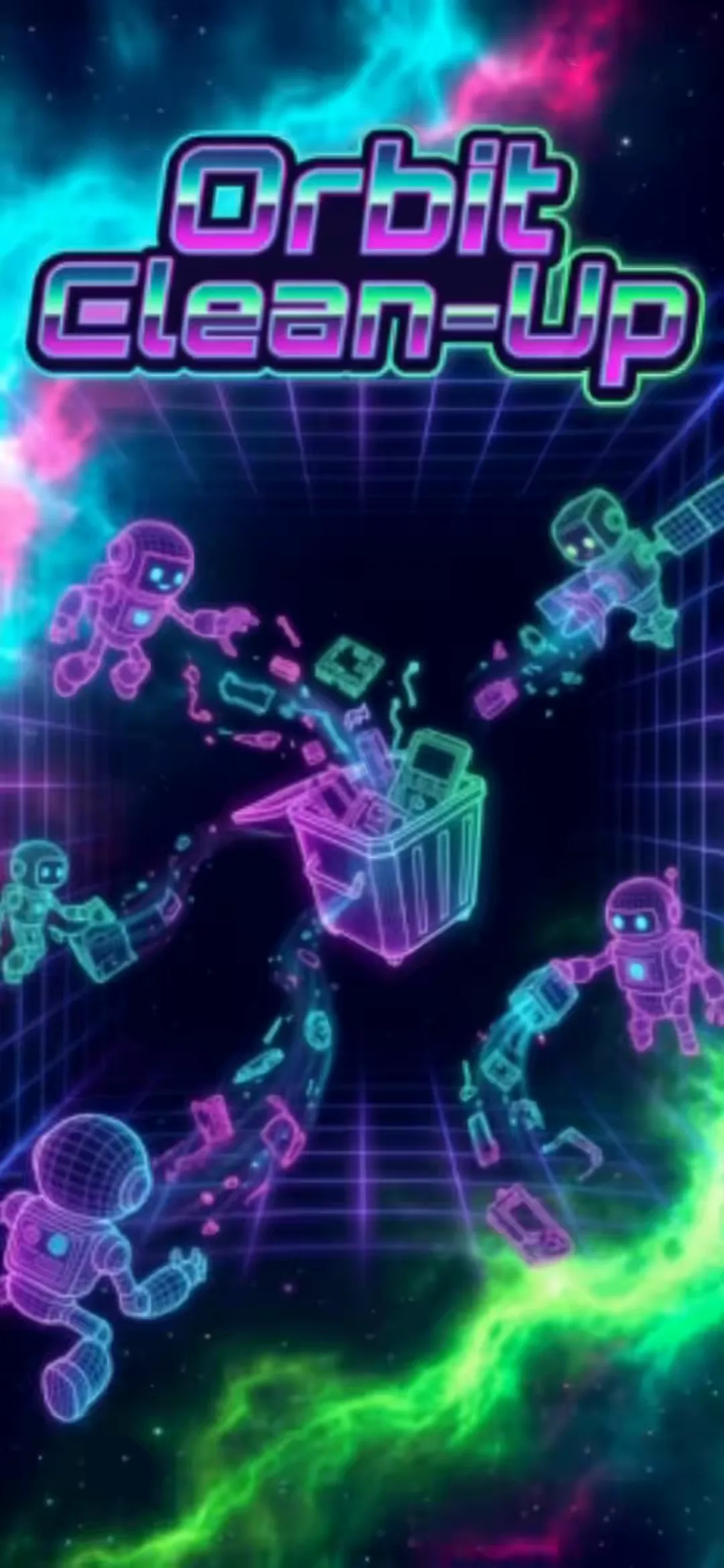
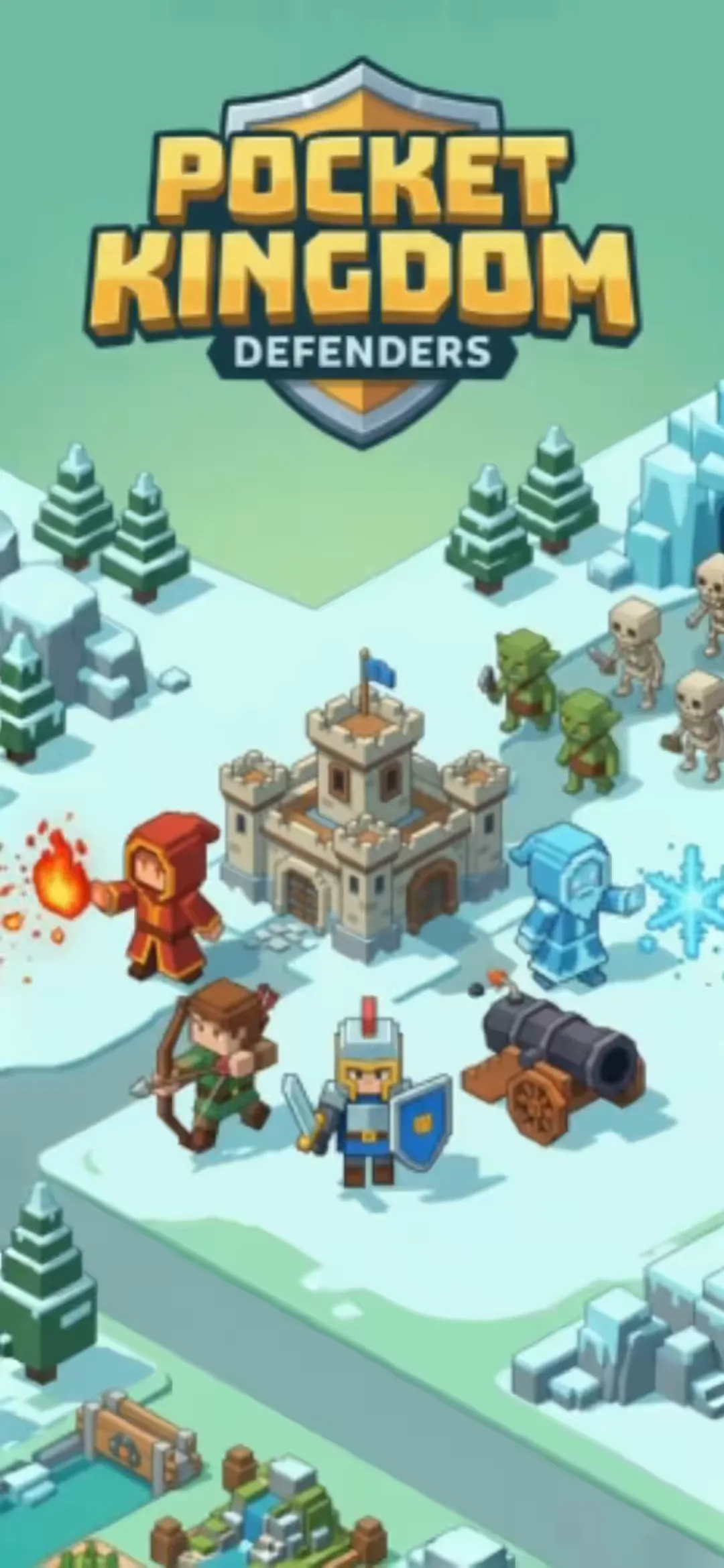
Games where the feel of the controls, or one good decision, is the whole game. See Void Eater: 3D, Orbit Clean-Up and Pocket kingdom.
Common questions about making a game with Mable. More answers at mable.gg/faq.
Mable is an AI game maker and game studio that runs in your browser. You shape a game from your own idea, generate its art, animation, and sound in the editor, tune it so it plays well on a phone, and go live with a share link and analytics that show who is playing.
Open Creator Studio and start with your idea: the genre, what the player does, how they win or lose, the controls, and the look. That gives you a first version to play. Then keep shaping it in the editor — characters, animated sprites, effects, sound, music, and difficulty — until it is something you want to publish.
No. You never have to open a code editor. You describe what you want in ordinary language, play the result, and say what should change. People who do read code can still look at what was built, but nothing about Mable requires it.
Yes. Creator Studio runs at mable.gg/create in a desktop browser with nothing to install. On your phone, the Mable Studio app for iPhone and Android builds games with the same account. The Mable app for iOS and Android is where games get played and discovered. Your games and credits are the same account everywhere.
Mable is built for mobile games with a clear loop you can pick up immediately: arcade, runners, racing, sorting and merge puzzles, timing and rhythm games, physics challenges, and score chases. Games have levels, scores, and a reason to come back, which is what keeps people playing past the first try.
When you Go Live, you get a share link that opens your game on any phone or browser, and your game goes into Mable’s feed in the mobile app, where other people find it, play it, and score on it. Analytics in Studio show who is playing, and players can leave comments. Games that do well can be submitted through Get Featured inside Studio for wider distribution.
Yes, right in Creator Studio while you build: characters, animated sprites, visual effects, sound effects, music, and voice lines. The same generators are also at mable.gg/tools as standalone tools that hand back real files with usable metadata, so you can use them in another engine too.
A game engine gives you tools and expects you to assemble everything yourself. Mable gets you to a working first version quickly, then gives you a studio to finish it: generated art, animation, and sound, tuning for phones, one-click publishing with a share link, and analytics on who is playing. It is a shorter path when your goal is a finished mobile game people will play, rather than full control over every system.