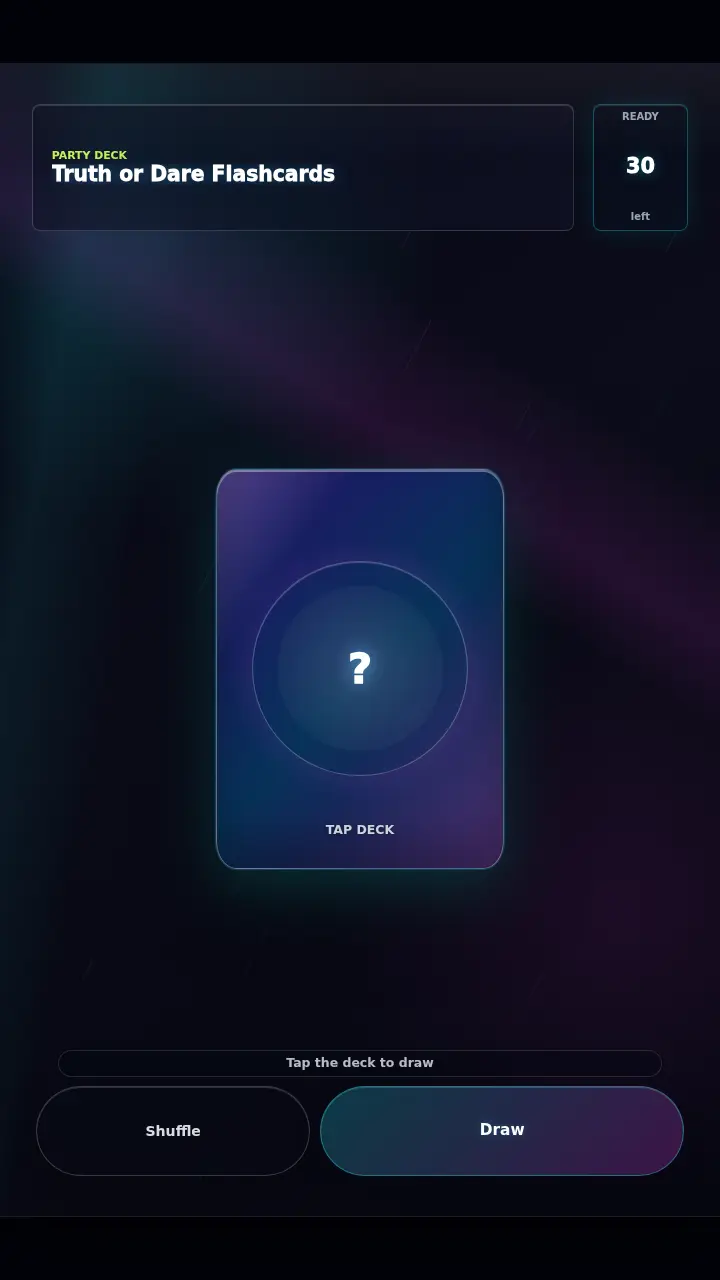
Truth or Dare Flashcards
Play Truth or Dare Flashcards by @Yanny, a free arcade & casual game made on Mable. Play instantly in your browser.
40 plays
Made by
Share
14
80
39
About Truth or Dare Flashcards
Draw and flip digital flashcards to reveal fun truth or dare challenges for your next party.
How to play
- Tap the central deck button on the screen to draw a new card into view.
- Tap the drawn card once it appears to flip it over and reveal the text.
- Read the truth or dare text aloud to the group and complete the given challenge.
- Swipe the card left or right across the screen to dismiss it from the playfield.
- Tap the shuffle button at the bottom to reset the 30-card deck at any time.
Controls
- Touch
- Tap to draw and flip cards, or swipe horizontally to dismiss them.
- Keyboard
- Not supported.
- Mouse
- Click to draw and flip cards, or click and drag to swipe them away.
More about this game
Truth or Dare Flashcards is a digital party game where you draw from a deck of 30 unique challenges. The core loop involves tapping the central deck to draw a card, flipping it to reveal a task, and swiping it away to move to the next player. The deck includes six distinct categories: Warmup, Silly, Social, Bold, Fun, and Creative. Difficulty depends entirely on the social dynamics of your group. A run ends when you deplete the 30-card deck, at which point you can shuffle to start over.
Tips
- You must drag the card at least 82 pixels horizontally across the screen to successfully swipe it away and trigger the next draw.
- Pay attention to the specific category listed in the top left corner, such as Warmup or Bold, to anticipate the card's tone.
- If you accidentally swipe a card away too early, you can tap the Draw button at the bottom to pull a new card immediately.
FAQ
- How many cards are in the deck?
- There are exactly 30 unique cards in the standard deck, split evenly between various truth and dare tasks for your group to answer.
- What categories of challenges are included?
- The tasks are divided into six specific categories: Warmup, Silly, Social, Bold, Fun, and Creative, ensuring a good mix of questions.
- How do I restart the game?
- You can tap the Shuffle button located at the bottom of the screen at any time to reset the deck and start drawing again.